



How to Audit a Backlink List Before You Submit to It
The five checks we run on every backlink list before submitting: live pages, real dofollow links, traffic, relevance and a reason to click.
There are three free ways to check the backlinks of a website. For a site you own, use the Links report in Google Search Console, because it is Google's own data. For a competitor, or a quick whole-domain picture of any site, use a free backlink checker. For a second opinion on either, Bing Webmaster Tools shows link data for your site and for sites you do not own.
There are three free ways to check the backlinks of a website. For a site you own, use the Links report in Google Search Console, because it is Google's own data. For a competitor, or for a quick whole-domain picture of any site, use a backlink checker such as ours. For a second opinion on either, Bing Webmaster Tools shows link data for your site and for sites you do not own.
This guide walks through each method step by step, compares the free options in one table, explains how to read the numbers, and ends with the thing most guides get wrong: when a disavow file helps and when it only does harm.
A backlink is a link from a page on another website to a page on yours. A backlink check counts those links and sorts them in the ways that matter for search. Five numbers do most of the work:
rel="nofollow", rel="sponsored" or rel="ugc" ask search engines not to pass it. Google's documentation says links with these attributes "will generally not be followed", and asks site owners to mark paid placements with the sponsored value.Keep it in proportion: in April 2024 Google's Gary Illyes told a search conference in Bulgaria that "we need very few links to rank pages" and that "over the years we've made links less important", as reported by Search Engine Journal. A month earlier Google had removed the word "important" from the sentence in its spam policies that describes links as a ranking factor. Links still matter, especially for a new site, but a backlink check is a diagnostic, not a scoreboard.
If you own the site, start here. The Links report shows a sample of what Google itself has found, which is the only link data that comes from the search engine you are trying to rank in. It costs nothing and needs no third-party index.
Two limits to know. Google says the report "isn't a comprehensive list of every link on your site" and shows a sample; and the report does not say whether a link is nofollow, so you cannot read the followed share from it. For those two things you need a third-party checker. For everything else about your own site, this report is the reference.
The SEO SMO HUB Backlink Checker reports the live links to any domain, subdomains included, from a commercial link index. It is free with an account, because every lookup is a paid query to that index; the line under the button shows how many runs are free and what a run costs after that. A domain's data is cached on our server for up to seven days, so a repeat check in the same week shows the same figures.
example.com. A full URL works too; the checker reads the whole domain.What it does not do: it does not list every linking URL, and it does not track new and lost links over time; for a page-by-page export you need a paid index. Our Domain Authority Checker turns the same referring-domain data into a score you can compare across sites, on the same account.
Run the checker on the three sites that rank above you for your main keyword, exactly as you ran it on your own. The gap in referring domains, measured with the same tool, is the amount of link building between you and them. The kinds of linking sites and the countries they come from are your prospect list: industry directories, resource pages and news in the market you sell in. A profile led by money-keyword anchors was built, not earned, and is not a model to copy.
Bing Webmaster Tools gives a free second view. Its Backlinks section shows your links by domain, page and anchor text, and the "Similar sites" tab compares your profile against any site you enter, without owning or verifying that site, as Search Engine Land and Search Engine Roundtable reported when the feature launched in June 2020. Bing's index is not Google's, but it is free and it is a search engine's own data.
Turn the gap into a plan rather than a copy. The Backlink Opportunity Finder gives an ordered list of legitimate link sources for your niche, business type and country, with the risk of each. For the list-based work, start with the dofollow backlink sites we check by hand and the profile creation sites worth your time, and run every candidate through the five-point audit before you submit anywhere.
Every index runs its own crawler and finds a different share of the web, so no free tool shows every link and no two tools agree on a count. This is how the common free options stood in November 2026. Free allowances change often; confirm the current limit on each vendor's own page.
| Tool | What it shows | Limit on the free tier | Needs sign-up? | Best for |
|---|---|---|---|---|
| Google Search Console, Links report | Top linked pages, top linking sites, top linking text; drill-downs; export of latest and sample links | Tables of 1,000 rows; exports up to 100,000 rows; a sample, not every link; no nofollow flag | Yes, and you verify the site | Your own site |
| Bing Webmaster Tools, Backlinks | Your links by domain, page and anchor; "Similar sites" comparison against any domain | Bing's index only; the compared site need not be verified | Yes, and you verify your own site | A second opinion, and a free look at competitors |
| SEO SMO HUB Backlink Checker | Whole-domain totals: backlinks, referring domains, IPs and subnets, followed and nofollow, link rank, broken links, spam score, link types, TLDs, countries, anchors when available, and a written reading | Free runs with an account, then credits; the offer is printed under the button. No per-URL list | Yes, a free account | Quick comparison of any domains, with the numbers explained |
| Ahrefs free Backlink Checker | Referring domains, backlinks, Domain Rating and Ahrefs Rank, plus a sample of top backlinks | A sample of the strongest links; DR and UR are unlocked with the browser extension and a free account; full reports are paid | No for the summary; a free Ahrefs Webmaster Tools account for your own verified sites | The biggest free sample of a competitor's strongest links |
| Semrush, Backlink Analytics | Authority Score, backlinks, referring domains, follow share, anchors, new and lost links | Free plan: 10 reports a day across the tools, top rows only | Yes, a free account | A few competitor snapshots a day |
| Moz Link Explorer | Domain Authority, Page Authority, Spam Score, linking domains, top links | A small number of free queries on a Moz account; the current cap is on moz.com | Yes, a free Moz account | DA and Spam Score lookups |
Which to pick: Search Console for your own site, always. For competitors, choose one third-party index and stay with it, so the numbers you compare come from the same crawl. Use a second tool only to confirm a surprise, never to average the figures.
Whichever tool you used, watch for these signs.
.ru or .xyz domains has spam links, not reach. They are rarely harmful and rarely worth a disavow.What we see in our own data: between June 2025 and October 2026, our backlink checker page alone was shown in Google results about 602,000 times, 37 percent of every impression the whole site received in those sixteen months, according to our Search Console export. People check backlinks far more often than they build them. The check is the easy part; acting on it is the work.
The disavow tool asks Google to ignore specific links to your site. Google's own help page calls it "an advanced feature" that "should only be used with caution", warns that misuse "can potentially harm your site's performance in Google Search results", and says most sites will not need it because Google can usually judge which links to trust on its own.
Google gives two conditions, and both must apply: you have "a considerable number of spammy, artificial, or low-quality links pointing to your site", and those links have caused, or are likely to cause, a manual action. Paid links and link schemes are the typical trigger. If you bought a package of the kind described in our note on buying 1,000 cheap dofollow backlinks, that is the case the tool exists for. A spike of random spam links you never asked for is not.
If you do need it: ask for removal at the source first; list one URL or domain per line, using the domain: prefix to cover a whole domain; keep the file to plain text, under 100,000 lines and 2 MB; and expect it to take "a few weeks" to be reflected, because Google has to recrawl the affected pages. Keep a copy of the file and a note of why each domain is in it.
The paid tools are priced in dollars. In November 2026 Ahrefs lists Lite at USD 129 a month and Starter at USD 29; the Semrush SEO plan is USD 139 a month. At about 94.6 rupees to the dollar on 5 November 2026, that is roughly INR 12,200 a month for Ahrefs Lite, INR 2,700 for Ahrefs Starter and INR 13,100 for Semrush, before tax. An agency checking dozens of domains a week gets its money back from one paid index. A single business that needs a monthly check of its own site and three competitors is covered by Search Console plus a free checker, and the money is better spent on earning links than on counting them.
Open Google Search Console, choose the property and click Links. Top linking sites, top linked pages and top linking text show what Google has found, and the export gives up to 100,000 rows. For the followed and nofollow split, which Search Console does not show, run the same domain through a free backlink checker.
Enter their domain in a third-party checker such as ours, Ahrefs' free checker or Semrush, or add it under Similar sites in Bing Webmaster Tools. Compare referring domains, not raw backlinks, and look at the kinds of sites linking to them. Those sites already link to a business like yours, which makes them your best outreach list.
Each tool runs its own crawler, finds a different share of the web and drops dead links on its own schedule, and Search Console shows only a sample of what Google knows. Treat every count as a large sample. Compare sites with one tool, and compare a site with itself over time using the same tool.
No. A checker reports the numbers. An audit reads them: the links-per-domain ratio, the anchor mix, the countries and TLDs, the broken links and the spam share, then decides what to redirect, what to earn next and, rarely, what to disavow. The reading at the bottom of our checker's report is a first pass at that audit.
There is no fixed number. The useful comparison is referring domains against the sites ranking above you for the same query, measured with the same tool. Google's Gary Illyes said in 2024 that Google needs "very few links" to rank pages, so close the gap with relevant sites rather than chasing a total.
Usually not. Google says the tool is for sites with a considerable number of spammy or paid links that have caused or will likely cause a manual action, and that misuse can harm your rankings. Random spam you never asked for is ignored by Google's systems. Disavow links you built or bought, or after a manual action, and nothing else.
Open Google Search Console, choose the property and click Links. Top linking sites, top linked pages and top linking text show what Google has found, and the export gives up to 100,000 rows. For the followed and nofollow split, which Search Console does not show, run the same domain through a free backlink checker.
Enter their domain in a third-party checker such as ours, Ahrefs' free checker or Semrush, or add it under Similar sites in Bing Webmaster Tools. Compare referring domains, not raw backlinks, and look at the kinds of sites linking to them. Those sites already link to a business like yours, which makes them your best outreach list.
Each tool runs its own crawler, finds a different share of the web and drops dead links on its own schedule, and Search Console shows only a sample of what Google knows. Treat every count as a large sample. Compare sites with one tool, and compare a site with itself over time using the same tool.
No. A checker reports the numbers. An audit reads them: the links-per-domain ratio, the anchor mix, the countries and TLDs, the broken links and the spam share, then decides what to redirect, what to earn next and, rarely, what to disavow. The reading at the bottom of our checker's report is a first pass at that audit.
There is no fixed number. The useful comparison is referring domains against the sites ranking above you for the same query, measured with the same tool. Google's Gary Illyes said in 2024 that Google needs very few links to rank pages, so close the gap with relevant sites rather than chasing a total.
Usually not. Google says the tool is for sites with a considerable number of spammy or paid links that have caused or will likely cause a manual action, and that misuse can harm your rankings. Random spam you never asked for is ignored by Google's systems. Disavow links you built or bought, or after a manual action, and nothing else.
 SEO
The five checks we run on every backlink list before submitting: live pages, real dofollow links, traffic, relevance and a reason to click.
 SEO
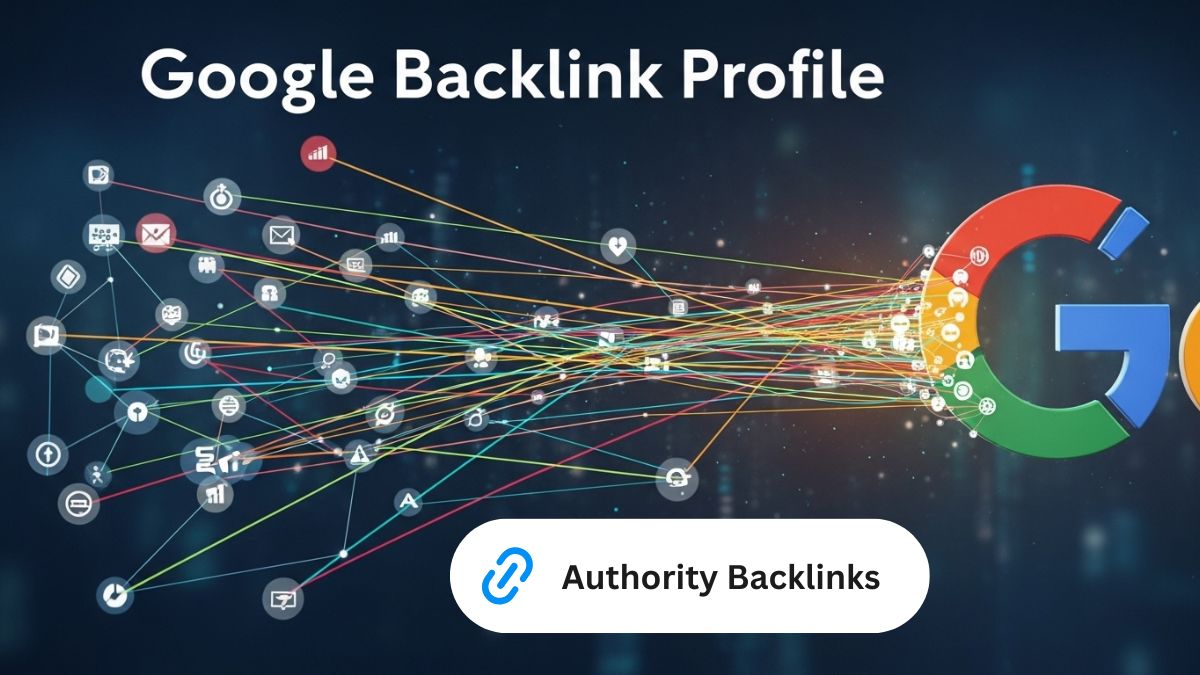
Backlink Profile - What it is, Why it matters, and How to improve. Use our audit steps to find harmful links and build better ones that drive organic growth.
 SEO
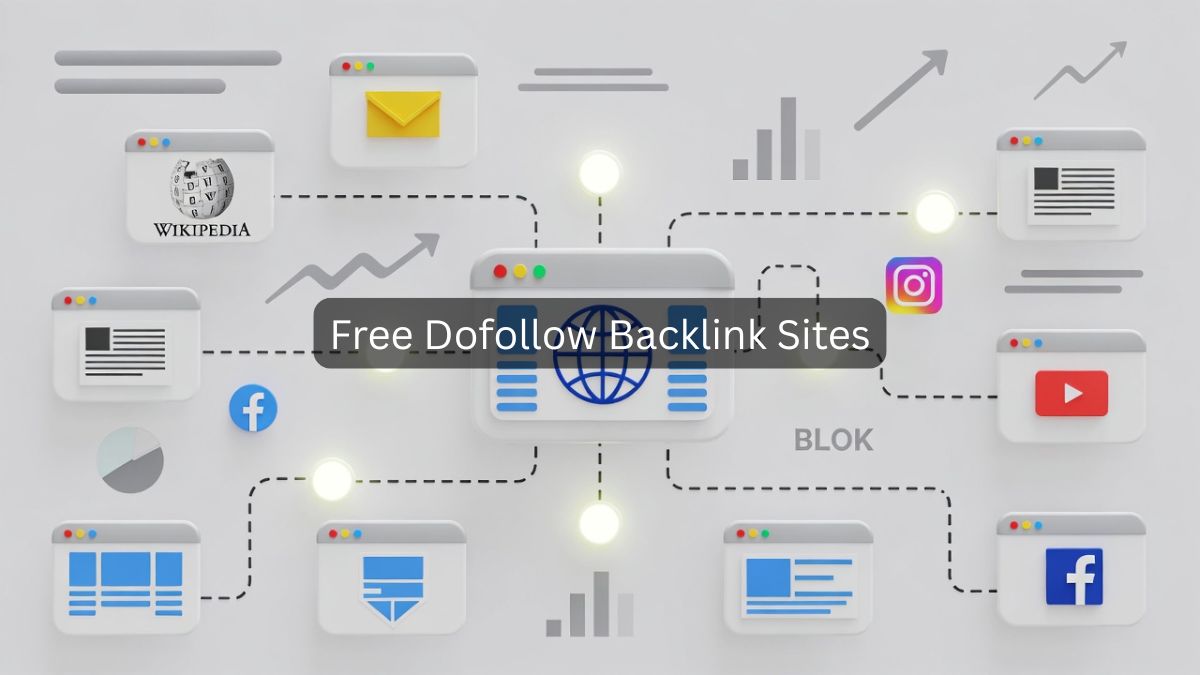
Get 375+ verified high-DA dofollow backlink sites for 2026. Includes proven strategies, real case study, and step-by-step guide to build quality links fast.