
GEO for Small Business: How to Get Cited by ChatGPT and Google AI Overviews
GEO means getting cited inside ChatGPT, Gemini and AI Overviews. How SEO SMO HUB restructures content, schema and entity data to earn it.
Google Discover SEO fails most often because publishers optimise for keywords instead of for the feed: headlines that read like search titles, stock images, slow publishing cadence and thin E-E-A-T signals. Discover rewards large original images, curiosity-driven but honest headlines, timely topics, consistent output and pages people actually finish reading. This guide covers each fix.
I'll be brutally honest with you: most publishers are doing Google Discover optimization completely wrong. And I'm not saying this to be provocative, I'm saying it because I've seen it happen hundreds of times.
Over the past five years working with clients who've generated over 1 million clicks from Google Discover alone, I've watched the same mistakes destroy potentially viral content. Smart people. Good writers. Solid websites. Yet their Discover traffic remains at zero while competitors pull 800,000+ clicks in 28 days.
The worst part? They're following advice that sounds right but kills their chances of ever appearing in the Discover feed.
Today, I'm going to show you exactly what's sabotaging your Discover optimization efforts, and more importantly, what actually works heading into 2026. No fluff, no outdated tactics, just proven strategies backed by real data and results.
Before we dive into what you're doing wrong, let me show you something that'll change how you think about Discover.
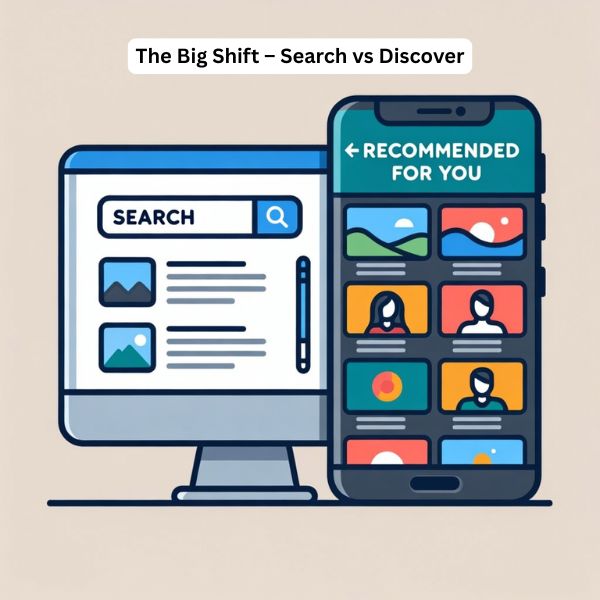
Here's what most SEO guides won't tell you: Google Discover doesn't work like traditional search. At all.
While you're obsessing over keyword research and backlinks (which matter for SERP), Discover operates on a completely different algorithm. It's not about what people search for, it's about what they're interested in consuming right now, in this moment, on their mobile device.
Think about it. When was the last time you opened your phone and actively searched for something on Google? Now compare that to how many times you've scrolled through recommended content while waiting in line, during commercials, or just killing time.
That's the Discover opportunity. And it's massive.
According to recent data, 58% of all Google searches in the U.S. now end without a click, what HubSpot's CEO calls the "traffic apocalypse." But here's the kicker: while traditional search traffic is declining, Discover traffic is exploding for publishers who know how to optimize for it properly.
This is the biggest mistake I see, and it's costing publishers thousands of potential clicks daily.
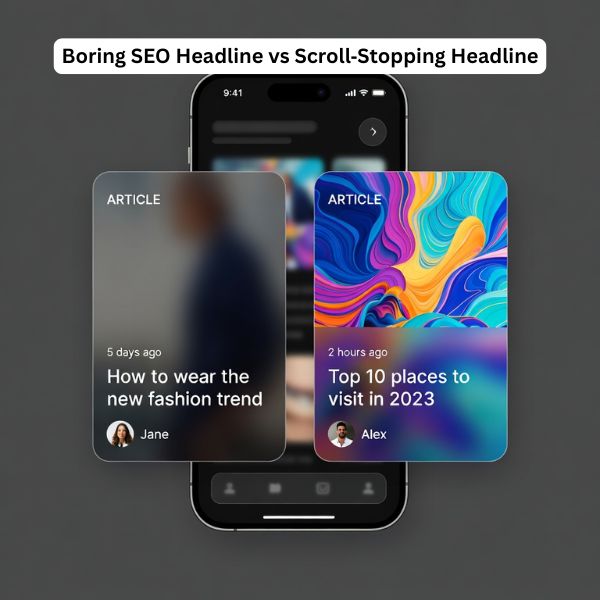
You're writing for search engines when you should be writing for scroll-stopping interest.
Let me explain what I mean. In traditional SEO, you target a specific keyword like "how to improve website speed" and optimize everything around it. Title tag, meta description, H1, keyword density, the whole nine yards.
That works great for search. It's terrible for Discover.
Why? Because Discover users aren't searching for specific solutions. They're scrolling through a feed of content matched to their interests. Your article isn't competing against other "how to improve website speed" articles, it's competing against celebrity gossip, breaking news, recipe videos, and whatever else Google thinks they want to see.
What actually works: Emotion-based triggers and pattern interrupts.
Here's what separates Discover winners from losers:
Failing Discover Titles:
Winning Discover Titles:
See the difference? The winning titles create curiosity, use pattern interrupts, and promise valuable insights without giving everything away.
But here's where most publishers mess up: they think this means clickbait. Wrong.
Your content MUST deliver on the promise. Google's Helpful Content Update specifically penalizes articles that use misleading headlines. Research from Discover expert John Shehata shows that the top-performing Discover articles (those with 25%+ CTR and 10,000+ impressions) use emotional titles, but they're not doing bait-and-switch.
The formula is simple: Create intrigue + Deliver value = Discover success.
This is painful to watch because it's such an easy fix, yet 80% of publishers get it wrong.
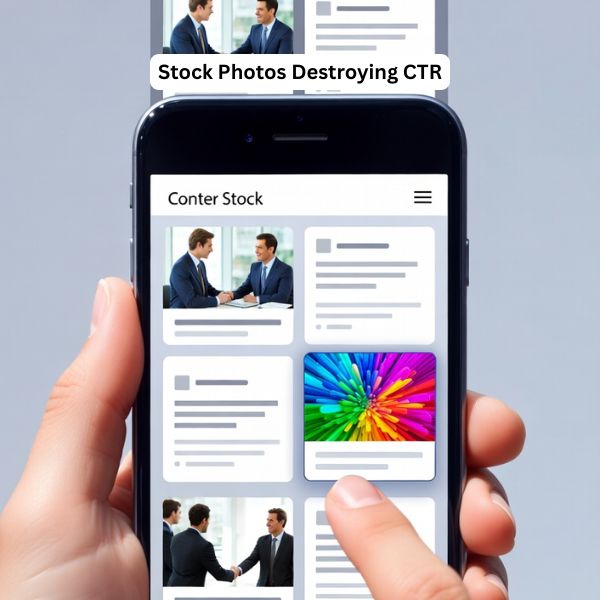
Your featured image is the first thing users see in the Discover feed. Before your headline. Before anything else. And if it doesn't stop the scroll, nothing else matters.
Here's what you're probably doing wrong:
max-image-preview:large meta tag. Without it, Discover shows a smaller thumbnail instead of a full-width image. Research shows this single change can increase CTR by 2-3X.Let me give you the exact specifications that work:
Optimal Discover Image Setup:
<meta name="robots" content="max-image-preview:large" />But there's one more thing most guides miss completely.
The crop hook technique. Here's what I've learned works incredibly well: leave roughly 10% white space on all sides of your image. Why? Because Discover automatically crops and resizes images based on device sizes. When you leave that breathing room, Discover's crop often makes your image pop even more, the subject becomes more prominent, the composition feels cleaner, and users are more likely to stop and click.
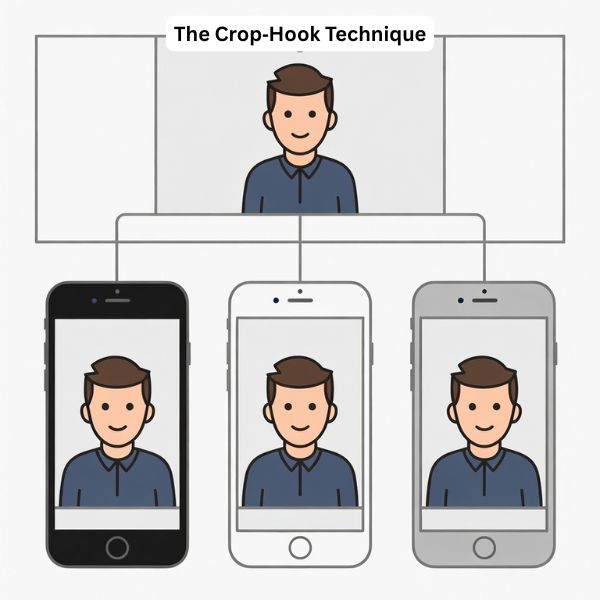
I know it sounds counterintuitive. Why would you intentionally make your image smaller? Because Discover's algorithm will zoom and crop it anyway. By designing for that crop, you ensure the final result looks intentional and professional rather than awkwardly cut off.
Try it. The difference is remarkable.
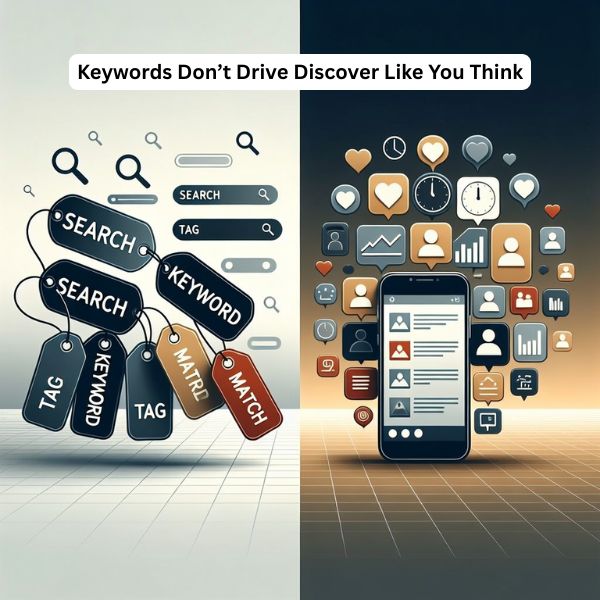
This might sound crazy coming from an SEO professional, but for Google Discover, forget everything you know about keyword optimization.
Discover doesn't match keywords to queries. There are no queries. Users aren't searching, they're scrolling through personalized content recommendations based on their interests and behavior patterns.
Think about what that means. You could perfectly optimize an article for "Google Discover optimization" with ideal keyword density, LSI keywords, and semantic variations. And it might never appear in a single Discover feed if the emotional triggers and visual elements aren't optimized.
What actually matters for Discover:
Here's proof: I've seen articles with zero focus on traditional keyword optimization generate 50,000+ Discover clicks in three days. Why? Because they nailed the emotional angle, used compelling visuals, published during a trending moment, and kept users engaged once they clicked.
Meanwhile, I've seen meticulously keyword-optimized articles with perfect Rank Math scores get zero Discover impressions. The difference? Those articles were optimized for search, not for scrolling.
The right approach: Use conversational language that matches how people actually talk about topics. Natural phrases, questions people ask, and emotional language that resonates with your target audience's current interests.
For 2026, as AI-driven search continues to evolve (with AI Mode and ChatGPT changing how people find information), Discover becomes even more valuable because it bypasses the traditional search process entirely. Your content can reach users who never would have searched for it, if you optimize correctly.
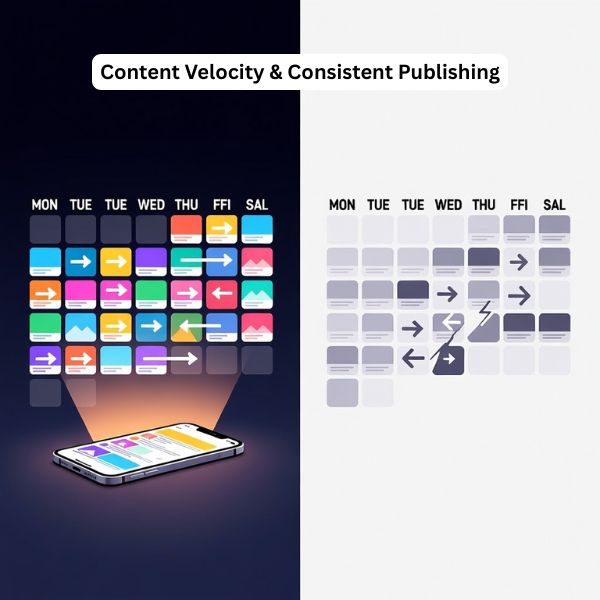
Most publishers either publish too randomly or don't understand the content velocity principle that Discover rewards.
Here's what I've learned from scaling multiple sites to six-figure monthly Discover traffic: consistency matters more than you think.
Google actively looks for "content velocity bursts" - publishers who maintain high posting frequency within 7 - day windows. This signals active, fresh content sources worth recommending to users.
But most publishers approach it wrong. They'll publish three articles on Monday, nothing for four days, then two articles on Friday. Or they'll have periods of heavy activity followed by weeks of silence.
Discover interprets this as unreliable. The algorithm wants publishers who consistently deliver fresh content, not sporadically.
I know what you're thinking: "That's a lot of content!" Yes, it is. But here's the reality - publishers dominating Discover in 2026 treat it like a news operation, not a blog. Fresh content, published consistently, optimized for current interests.
If you can't maintain that frequency, focus on five strong articles per week. But make it consistent. Same days, similar times, no exceptions.
With AI content generation becoming mainstream, the internet is flooding with more content than ever. Google Discover needs reliable signals to filter quality publishers from the noise. Publishing consistency is one of those signals.
And here's something critical most publishers miss: topic clustering matters.
Don't publish about digital marketing on Monday, recipes on Tuesday, cryptocurrency on Wednesday. Pick your niche and stay in it. Discover builds publisher authority by topic. When you consistently publish high-quality content in a specific niche, Discover recommends your content more aggressively to users interested in that topic.
Think of it as building topical authority, but for Discover instead of search rankings.
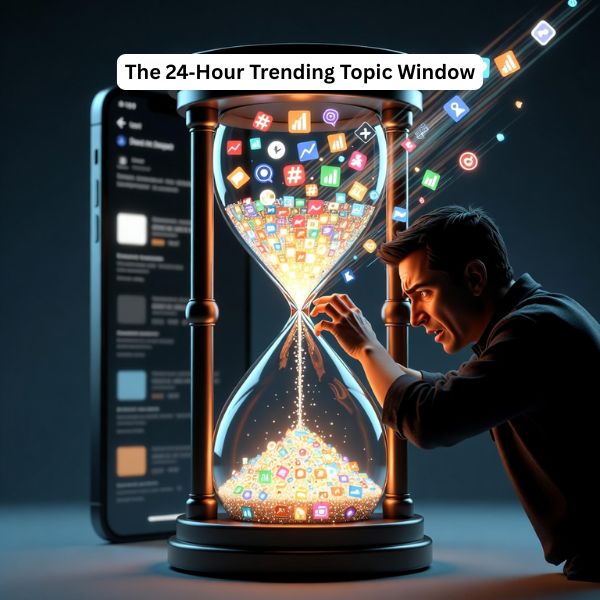
Here's where most publishers completely miss the Discover opportunity: timing.
Research shows that the majority of Discover URLs receive traffic for only 3-4 days, with most traffic occurring in the first 24-48 hours after publication. Think about what that means for your strategy.
If you publish an article about a trending topic three days after it starts trending, you've already missed the Discover window. Your article might rank well in traditional search eventually, but it'll get zero Discover traction because the algorithm has already moved on.
The Discover trending topic rule: You have 24 hours maximum from when a topic starts trending to publish and capitalize on that trend.
This is why news publishers dominate Discover, they're set up to move fast. But here's the good news: you don't need a newsroom to take advantage of trending topics.
Your 2026 trending topic strategy:
1. Set up trend monitoring systems:
2. Create a rapid response workflow:
3. Execute within 24 hours:
Let me give you a real example. In early 2025, when there was breaking news about new AI regulations, publishers who published within 24 hours saw massive Discover traffic. Those who waited three days? Their articles got lost in the noise, even if they were better written.
The same pattern repeats constantly. Celebrity news, tech announcements, policy changes, industry drama, whatever trends in your niche, you need to be fast.
Why this matters more in 2026: With AI tools making content creation faster, the trending topic window is shrinking. Publishers using AI to rapidly create high-quality trend articles will dominate. The winners will be those who combine speed with quality, not one or the other.
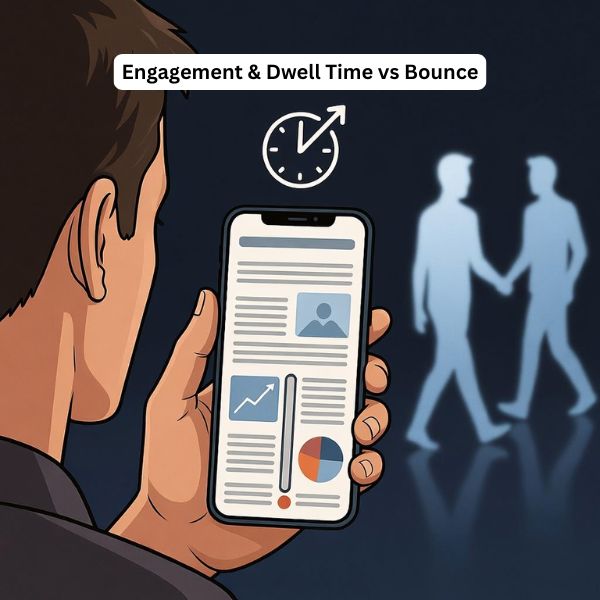
Getting the click is only half the battle. If users bounce immediately, Discover stops showing your content. Period.
Here's what's happening: You optimize for the click with a great headline and image. User clicks. Then they see a wall of text, slow-loading page, or content that doesn't match their expectation. They hit back. Discover interprets this as "users don't actually want this content" and stops recommending it.
I've watched articles lose thousands of potential impressions because of poor engagement signals.
What kills engagement:
What maximizes engagement:
1. Optimize for dwell time strategically:
2. Create interactive elements:
3. Mobile optimization is non-negotiable:
Here's something that works incredibly well: the "progressive information reveal" technique.
Structure your content so the opening paragraphs hook readers, then each section delivers a specific insight or revelation that keeps them scrolling. Think of it like a TV show that ends each scene with a small cliffhanger. You don't need dramatic twists, just ensure each section naturally flows to the next with clear value delivery.
For AdSense optimization: This is where you need to balance revenue with experience. I've found the sweet spot is:
The goal is revenue without destroying the experience that keeps users engaged. Poor ad implementation kills engagement, which kills Discover visibility, which ultimately costs you more money than the extra ad units made.

In 2020, Google explicitly added E-A-T (Expertise, Authoritativeness, Trustworthiness) to Discover guidelines. In 2022, they added the extra E for Experience. Yet most publishers treat this as a traditional SEO concern, not a Discover priority.
Big mistake.
Discover actively evaluates content quality using E-E-A-T signals, especially after the Helpful Content Update. The algorithm is trying to avoid recommending misinformation, low-quality content, or unreliable sources to users.
Here's why this matters more than you think: Discover introduces your content to cold audiences who've never heard of you. They're not coming from a Google search where they evaluated multiple results. They're scrolling through a feed and your article appears. Google needs strong signals that your content is trustworthy before recommending it to thousands of users.
Experience: Show first-hand knowledge and real-world application.
Expertise: Demonstrate deep knowledge in your topic area.
Authoritativeness: Establish recognition and credentials.
Trustworthiness: Build confidence in your content and site.
Here's the key insight most miss: for Discover, E-E-A-T isn't just about the content itself, it's about your entire domain. Discover evaluates publisher quality holistically. One article with strong E-E-A-T signals on a site with weak overall authority won't get the same Discover push as the same article on a site with strong domain-wide E-E-A-T.
This means:
For 2026: As AI-generated content floods the internet, E-E-A-T becomes even more critical. Google is using these signals to distinguish human expertise from AI-generated generic content. Publishers who can demonstrate real experience, expertise, and trustworthiness will have a massive advantage in Discover.
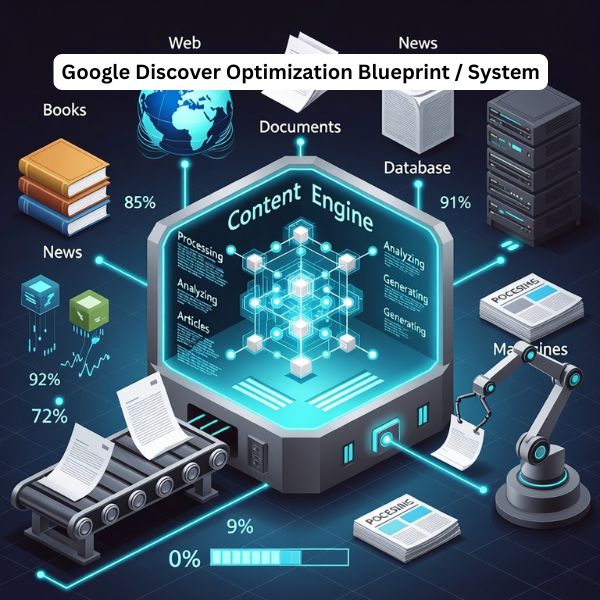
Now that we've covered what not to do, let me give you the exact strategy that's working right now and will dominate in 2026.
Set up systems, not one-off tactics:
Your headline and image combination needs to create pattern interrupts:
Headline formulas that work:
Image strategy:
Every article needs these elements:
Opening hook (first 100 words):
Body optimization:
Engagement signals:
The baseline requirements for 2026:
Core Web Vitals:
Mobile optimization:
Image optimization:
Structured data:
Choose topics that align with these principles:
After publishing, the first two days determine your Discover success:
Hour 0-6:
Hour 6-24:
Hour 24-48:
Once you identify winning patterns:
Stop buying every SEO tool out there. For Discover optimization, you need:
Essential (Free):
Highly Valuable (Paid):
Nice to Have:
The key isn't having all the tools, it's using the essential ones consistently and effectively.
Myth 1: "Negative sentiment content doesn't work in Discover" Reality: Research shows that emotional titles work incredibly well, but not negative sentiment about people or events. Negative framing of problems (with solutions) performs excellently. The key is constructive negativity, not toxic negativity.
Myth 2: "You need AMP for Discover" Reality: AMP can help with page speed, but it's not required. Many top Discover performers don't use AMP. Focus on fast loading and mobile optimization instead.
Myth 3: "Only news sites can succeed in Discover" Reality: While 46% of Discover URLs are news sites, 44% are e-commerce and the remaining 10% includes various content types. Educational content, how-to guides, and lifestyle content all perform well.
Myth 4: "Discover traffic is unpredictable" Reality: Discover traffic is less predictable than search, but it's not random. Publishers who follow proven optimization strategies see consistent results. The unpredictability comes from not understanding how the algorithm works.
Myth 5: "You can't track Discover performance" Reality: Google Search Console provides detailed Discover performance data including impressions, clicks, and CTR for the last 16 months. You absolutely can (and should) track everything.
Want to see results fast? Follow this plan:
Week 1: Foundation
Week 2: Content Creation
Week 3: Iteration
Week 4: Scale
Here's the reality of search in 2026 that most publishers aren't prepared for:
Traditional search traffic is declining. Zero-click searches continue to rise. AI overviews are reducing clicks to websites. Google's AI Mode is changing how people find information.
But Discover? Discover is growing.
While other publishers panic about traffic apocalypse, smart publishers are building Discover as a primary traffic channel, not a bonus source.
The publishers who win in 2026 will be those who understand this shift and optimize accordingly. Not those stuck optimizing for a search paradigm that's rapidly changing.
You have a choice: Keep doing what's not working and watch your traffic decline, or adapt your strategy for where search is actually going.
The good news? Now you know exactly what to fix. The question is: will you actually implement it?
Don't let this become another article you read and forget. Take action:
1. Audit one article right now
2. Publish one optimized article this week
3. Commit to the system
The publishers generating six-figure monthly traffic from Discover aren't lucky, they're systematic. They understand the algorithm, they optimize correctly, and they execute consistently.
Now you have the same knowledge. What you do with it is up to you.
Google Discover optimization is the process of making your content more likely to appear in the Discover feed on mobile. It focuses less on classic keyword SEO and more on emotional headlines, strong images, mobile UX, E‑E‑A‑T (Experience, Expertise, Authoritativeness, Trustworthiness), content freshness, and engagement signals like CTR and dwell time.
The Google Discover algorithm uses a personalized recommendation system, not keyword-based search. It looks at each user’s interests, past behavior, and engagement, then matches that with content that is fresh, engaging, and trustworthy. Key signals include topic relevance to user interests, recentness, click‑through rate, time on page, content quality, and publisher consistency.
Content often doesn’t show in Discover because: Headlines are written for keywords, not curiosity or emotion Images are weak (small, generic stock, or no max-image-preview:large) Site is slow or not mobile‑friendly Publisher lacks clear topical focus or E‑E‑A‑T Publishing is inconsistent or not aligned with trending topics If users don’t click or stay on your pages, Discover quickly stops testing your URLs.
To increase Google Discover traffic: Use emotional, curiosity‑driven headlines that still deliver on the promise Add large, unique featured images (1200px+ with max-image-preview:large) Publish consistently (at least 5 high‑quality articles per week) Cover timely, trending topics in your niche within 24 hours Improve Core Web Vitals and mobile experience Strengthen E‑E‑A‑T with real expertise, author bios, and credible sources Then monitor what gets impressions and double down on those patterns.
Best practices for Google Discover include: Write for “scroll‑stopping interest,” not just keywords Use clear structure: strong hook, scannable subheadings, visuals every few scrolls Optimize images for size, quality, and uniqueness Maintain a focused topical niche instead of covering everything Publish frequently and consistently to build “content velocity” Demonstrate E‑E‑A‑T across the site, not just on a single article Keep content fresh and update top performers regularly
Images are critical for Discover. The featured image is often seen before the headline and heavily influences CTR. To perform well, you need: Large images (minimum 1200px wide; 1600×840 recommended) max-image-preview:large enabled Unique, high‑contrast visuals, not generic stock photos or logos Images that create curiosity or emotion and match the topic Poor images can make a great article invisible in the feed.
Google Discover is primarily a mobile feature. It appears in the Google app and on the Google.com homepage or Chrome new tab page on Android and iOS. There is no full, standard Discover feed inside traditional desktop search results, although some desktop Chrome users may see a similar content feed on the new tab page depending on region and experiments.
You track Google Discover performance in Google Search Console. Go to Search Console → Discover to see impressions, clicks, and CTR for the last 16 months Filter by page, country, and date to find top performers Use Google Analytics to check engagement metrics (time on page, bounce, scroll depth) for the same URLs This data shows which topics, headlines, and images actually trigger Discover visibility so you can refine your strategy.
 SEO
SEO
GEO means getting cited inside ChatGPT, Gemini and AI Overviews. How SEO SMO HUB restructures content, schema and entity data to earn it.
 SEO
SEO
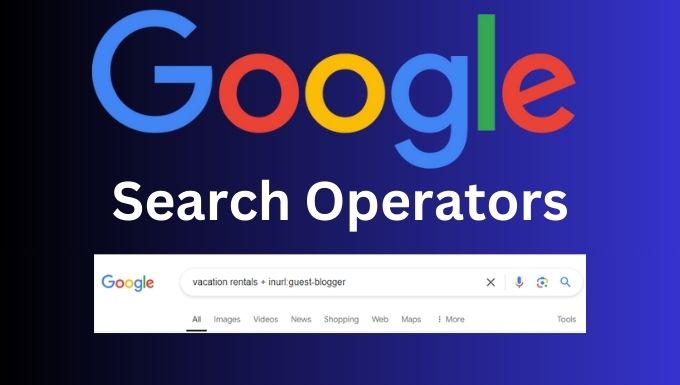
Use Google search operators for link building the right way. Find guest posts, resource pages, and PR prospects with 45+ query templates and examples.
 SEO
SEO
The five checks we run on every backlink list before submitting: live pages, real dofollow links, traffic, relevance and a reason to click.
Ads keep these tools free. Please allow ads on seosmohub.com, or create a free account.